Supercharge your downloads
with

GET IT ON
Google Play
Scan to download CoreDM on Play Store Scan for Play Store
Powerful all-in-one download manager, link grabber, adblocker, archive extractor, and media converter.

Download anything, way faster.

  • Split files into 32 threads so you actually get the speeds you pay for.
  • Grab video and audio links automatically while you browse without ads.
  • Auto-extract archives the second they finish downloading.
Explore More
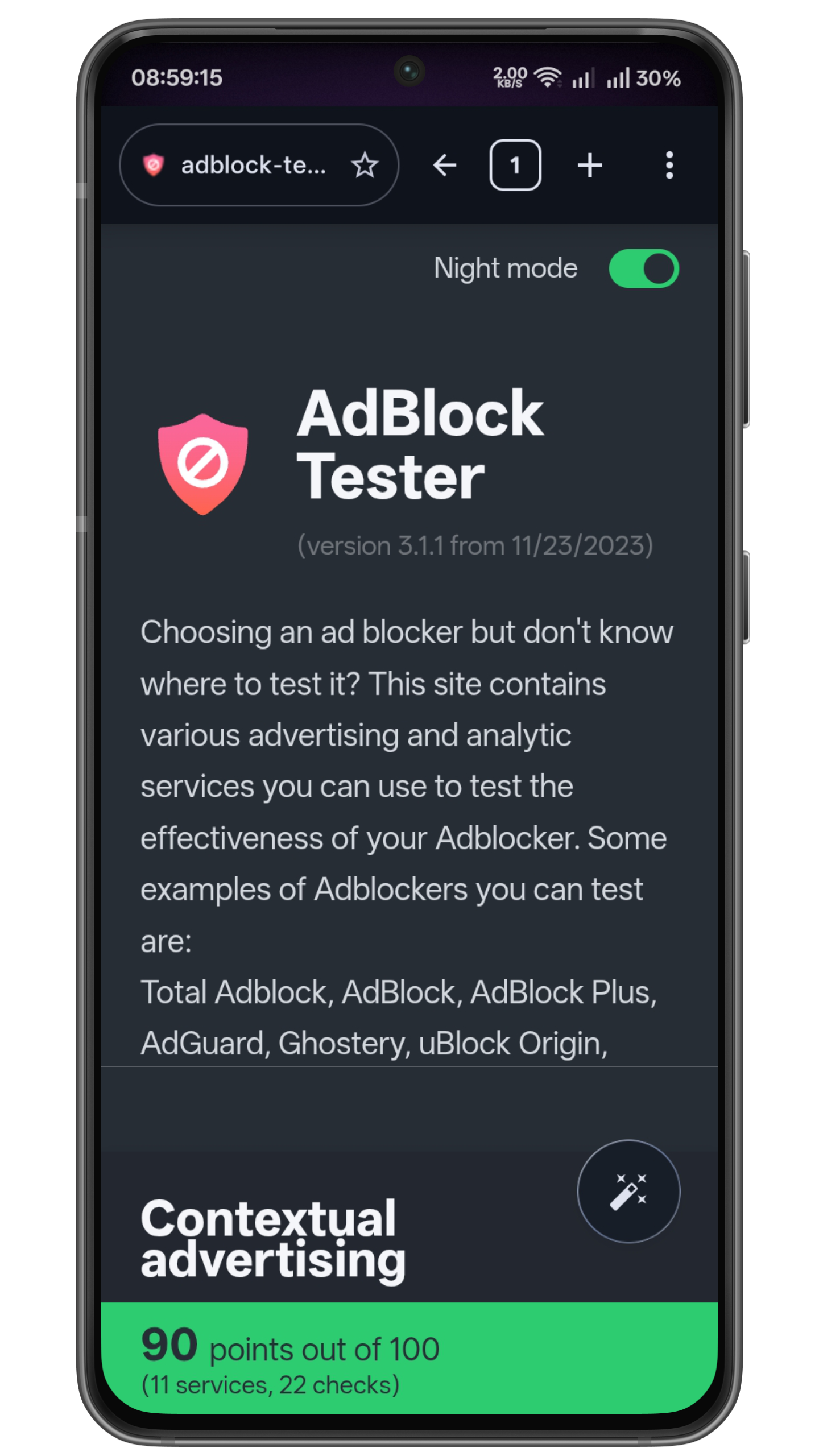
Ad-Block Browser
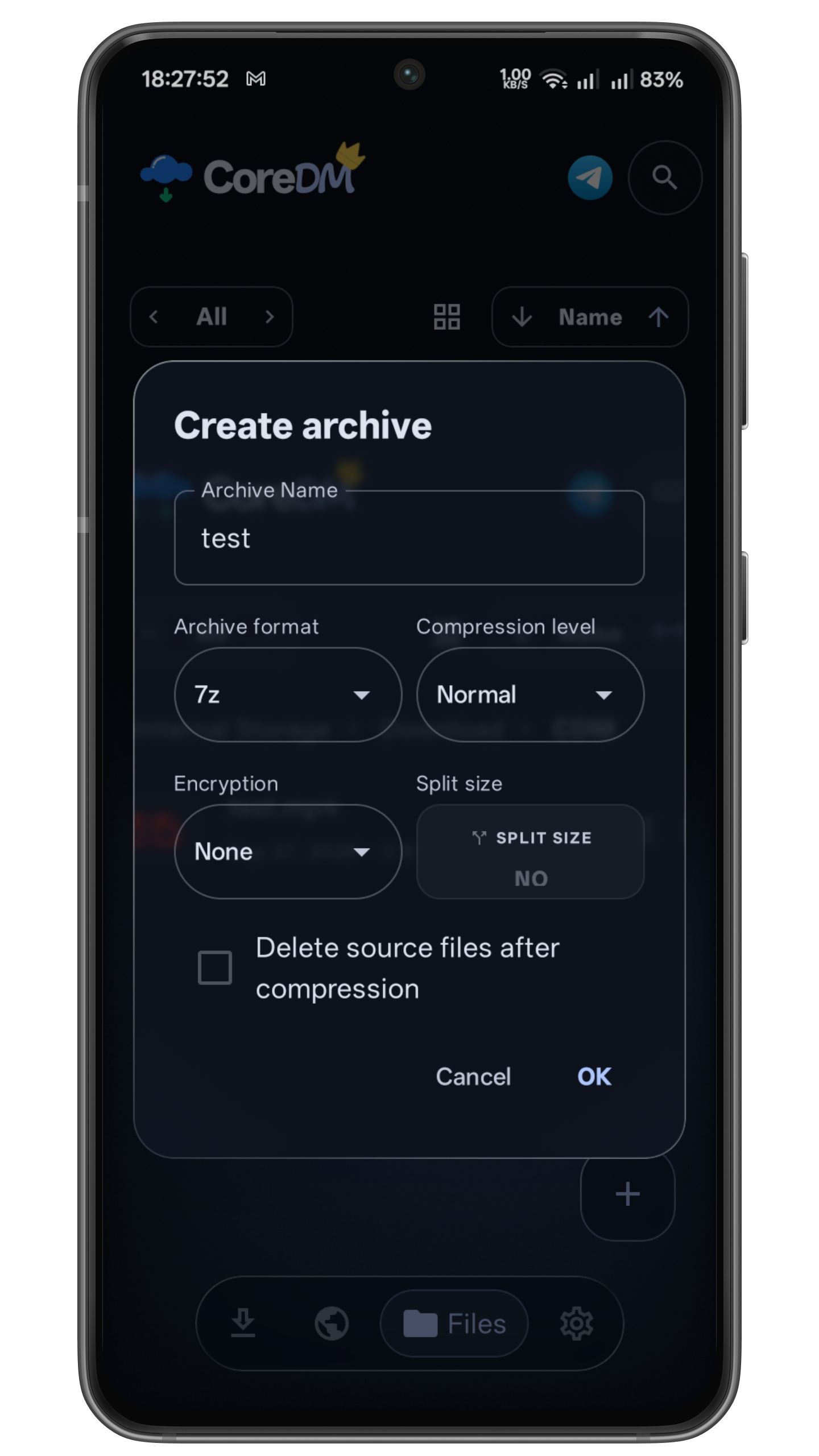
Archive Extractor
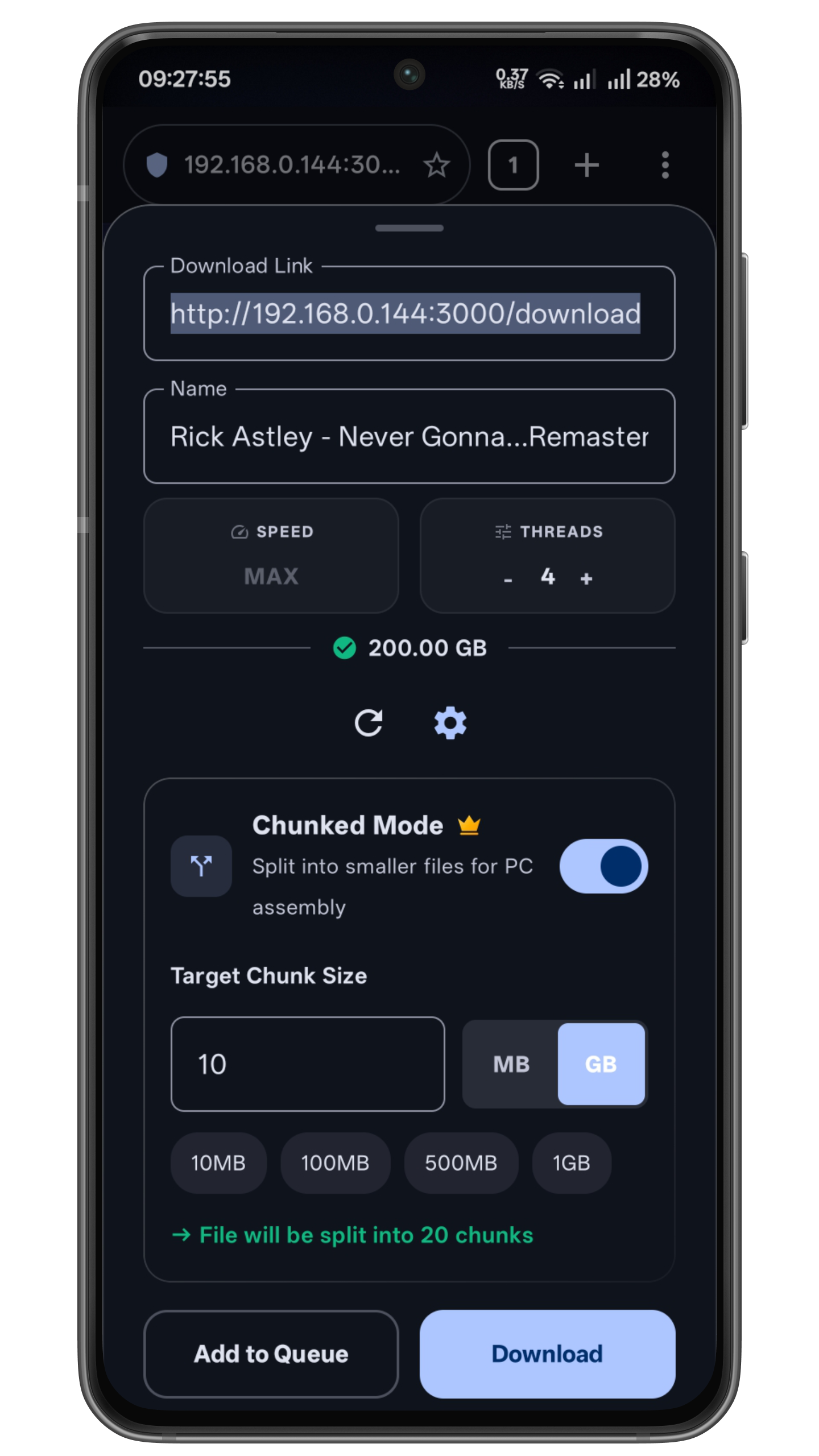
Smart Storage Chunking
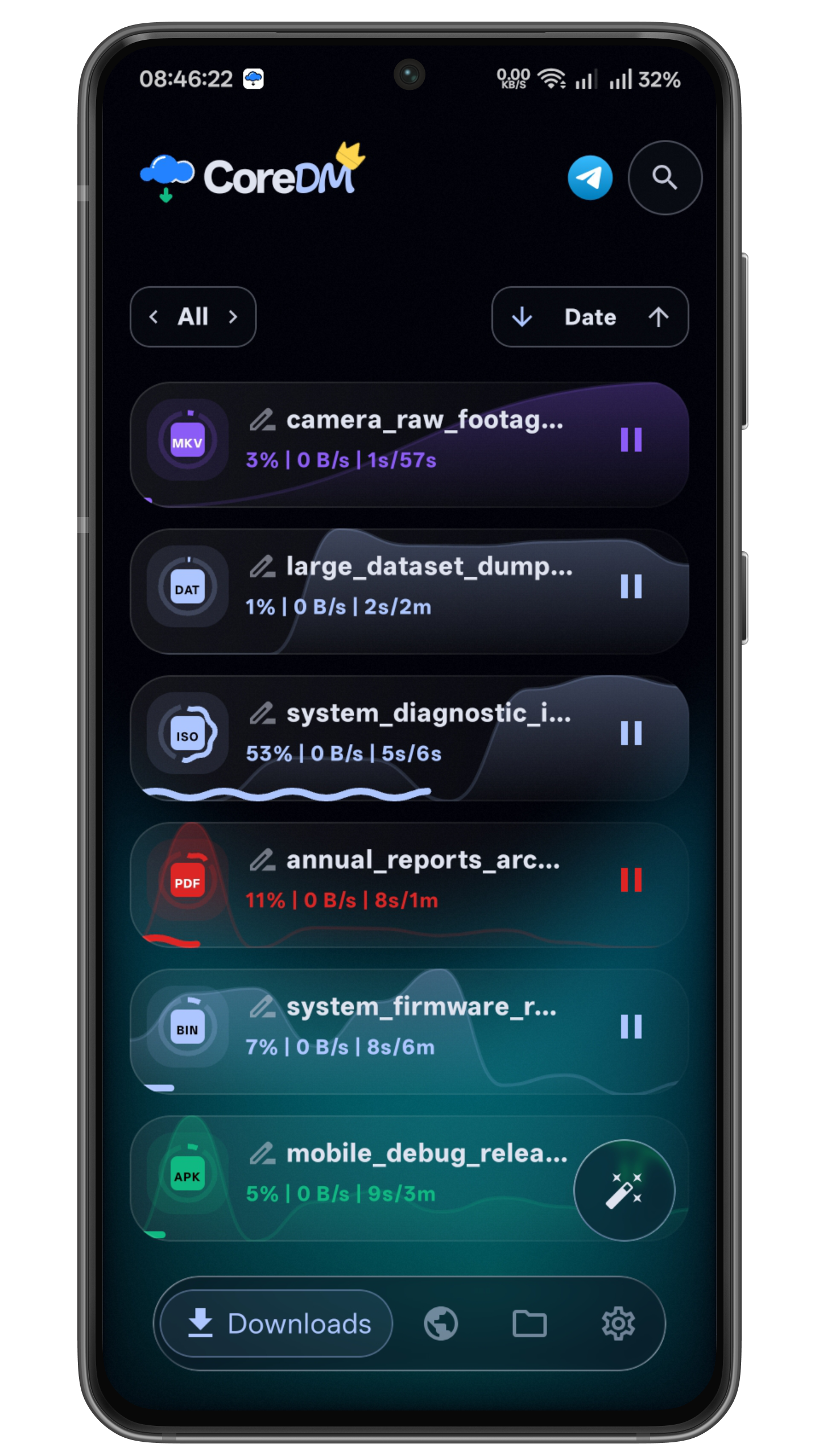
The Ultimate Download Manager
Download Online Media
Auto Multi-Threading Device

The Ultimate Download Manager

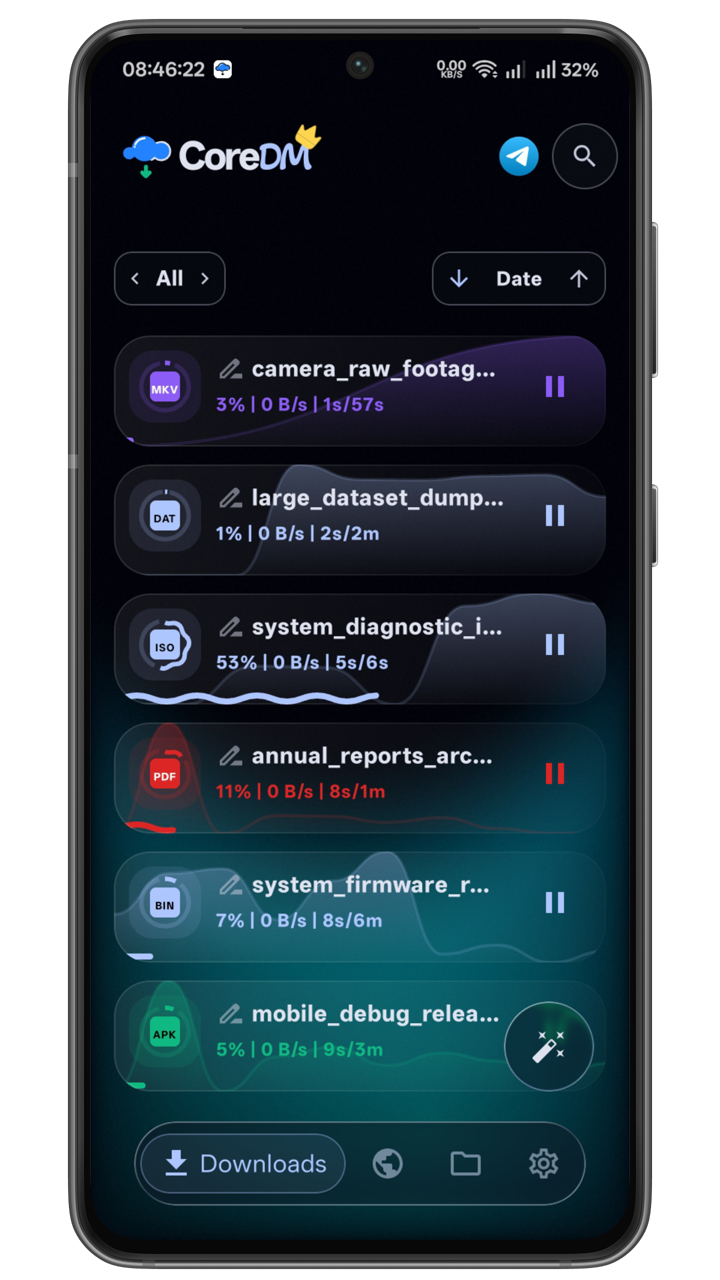
  • Accelerate downloads with parallel multi-threading
32 Sockets
Chunking
Ad-Shield
Sniffer
Auto-Unpack
FFmpeg
Private Browser
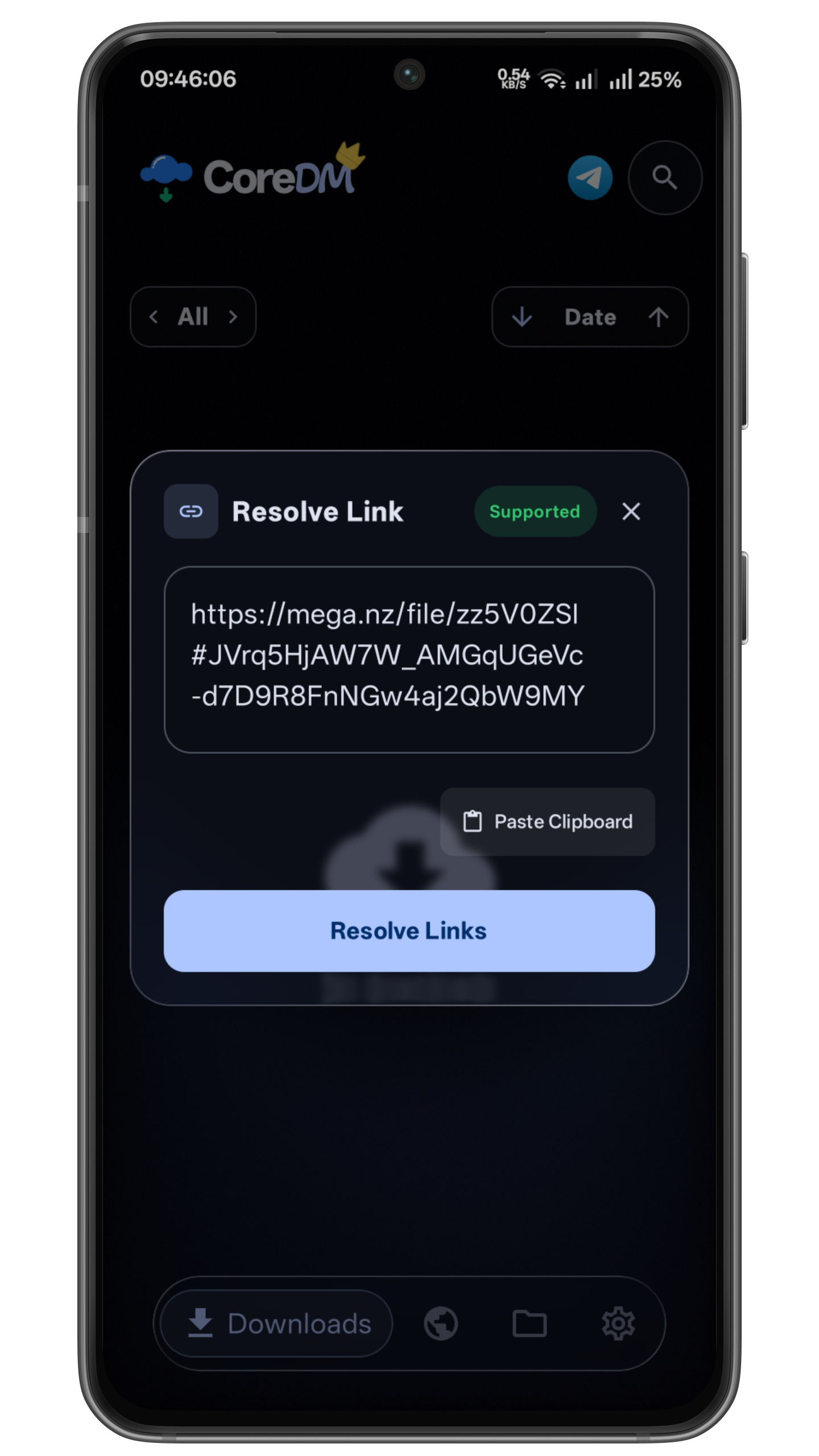
Link Resolver
Userscripts
Media Player

A JDownloader 2 Alternative Built for Android

People stick with JDownloader 2 on desktop because it just works, resolving almost any hoster link and pulling the file down fast by splitting it across multiple threads. CoreDM was built from scratch for Android to handle that same job, and in a lot of ways it handles it better, without needing a PC running in the background or some remote-control app standing between you and your download.

Where it goes further: live file renaming, automatic archive extraction the moment a download finishes, and chunk mode, which splits a download into pieces so you can grab files larger than the free space you actually have left on your phone. It also handles online media downloading and conversion, plus userscript support if you want more control over how it grabs links.

This is what a download manager looks like when it's done right.

Free Sessions & CoreDM Plus

Enjoy full power for free or upgrade for a seamless, permanently ad-free experience.

CoreDM Free

Full-featured downloading supported by ads

  • Multi-Threaded Engine High-speed downloading with 1 to 32 concurrent threads
  • In-App Media Downloader Auto-grab streaming video & audio (HLS/m3u8, DASH, MP4, MP3)
  • Ad-Blocking Browser Native content filtering, popup blocking & anti-redirect protection
  • Manual Archive Manager Extract 7z, ZIP, TAR, GZ, and BZ2 archives on internal or SD storage
  • Ad-Free Day Passes Watch rewarded video ads to unlock 24 hours of ad-free experience
Install Free
CoreDM Plus

CoreDM Plus

Lifetime License or Active Day Pass

  • Auto-Unpack Archives Automatically extracts ZIP & 7z files upon download completion.
  • Live File Renaming Rename active downloads on the fly without breaking transfer
  • Smart Storage Chunking Download massive files in parts and merge them wherever you have space
  • Video Audio Extractor (FFmpeg) Extract high-fidelity audio tracks directly from downloaded video files
  • Pure Ad-Free Experience Zero ad interruptions, banners, or pop-ups
  • Lifetime License One-time Google Play purchase with Instant Device Restore
Upgrade to CoreDM Plus

Frequently Asked Questions

Standard browsers download files using a single TCP stream. Web servers frequently throttle single connections to 1–5 MB/s. CoreDM utilizes dynamic byte-range splitting to open between 1 and 32 simultaneous TCP connections in parallel, saturating your full connection bandwidth. If a network blip occurs, only the affected thread reconnects without restarting the entire download.
CoreDM's built-in browser features an automated packet and request analyzer. As you browse video portals or streaming sites, CoreDM intercepts underlying media streams — including HLS playlists (.m3u8), MPEG-DASH (.mpd), direct MP4 files, and MP3/AAC audio streams. A floating download badge appears showing detected resolutions (1080p, 720p, 480p, etc.) or audio-only options, allowing you to capture the file directly without third-party extension tools.
Yes! Many file hosters and cloud drives invalidate download links or authentication tokens after several hours. In CoreDM, you don't need to restart from 0%. Simply tap Refresh Link on the download card or reopen the download page in the built-in browser to fetch fresh session cookies and tokens. CoreDM seamlessly binds the new URL to your existing file and continues downloading right where it stopped.
Smart Chunk Mode downloads each thread as a separate file. CoreDM automatically writes ready-to-run reassembly scripts (combine.bat for Windows and combine.sh for Linux/Mac). You can transfer the parts to your PC via USB and reassemble in seconds at disk speed, with automatic SHA-256 hash verification.
Located in Settings → Storage → File Manager, Smart Filename Cleanup strips clutter words from displayed filenames across your download queues and file manager. Words are matched strictly as standalone segments (delimited by dots, dashes, underscores, or spaces), allowing you to eliminate unwanted release tags (e.g. converting Movie.1080p.x264.mp4 into Movie.mp4) without breaking file extensions. You can customize your own comma-separated filter words anytime.
Standard Block Popups aggressively closes any new tab or window that attempts to open, which can sometimes accidentally break authentic login windows, captcha checkpoints, or intentional download triggers. In contrast, Smart Popups uses intelligent heuristic behavior analysis: it lets legitimate user-initiated actions and verified download redirects through, while strictly killing intrusive advertising traps, forced redirect loops, and malicious background tabs.
Open Settings → Browser. CoreDM features three independent blocking layers:

• AdBlock Filter Lists: Community filter subscriptions (EasyList, EasyPrivacy) with automatic or Wi-Fi only update schedules.
• Cosmetic Filters: CSS-selector rules to hide specific page elements (using domain.com:::.css-selector or global .selector).
• Custom Blocklist: Block specific domains or URL paths entirely before requests reach the browser engine.
Yes! CoreDM's built-in browser features a native userscript engine that allows you to run custom JavaScript on any website. You can execute scripts to automate link extraction, bypass countdown timers, skip link shorteners, or customize web page behavior directly within the app.
CoreDM comes with an integrated native archive engine supporting decompression and creation for 7z, ZIP, TAR, GZ, and BZ2. It supports password-protected and encrypted archives, multi-part/split volume archives (e.g. .7z.001, .zip.001), and fast in-place file extraction directly to internal storage or external SD cards.

CoreDM Free gives you full access to multi-threaded downloading (1–32 threads), media downloader, browser ad-blocking, and manual archive extraction, supported by clean ads — with free 24-hour Ad-Free Day Passes available via rewarded video.

CoreDM Plus unlocks the complete power suite: Auto-Unpack Archives upon download completion, Live File Renaming on active transfers, Smart Storage Chunking with PC joiner scripts, FFmpeg Video Audio Extractor, a 100% pure ad-free experience, and a Lifetime License via Google Play.
No! CoreDM requires no login, no email, and zero sign-up. It works immediately out of the box and stores all your browsing data, download queues, and settings 100% locally on your device.
Sign in to the Google account you used on Google Play, install CoreDM, open Settings, and tap Restore Purchases. Google Play In-App Billing will instantly verify and restore your permanent Plus status.
Yes — CoreDM was built specifically for people who like how JDownloader 2 works on desktop but want that same speed and control on their phone. It brings the same kind of link resolving you'd get from JD2, plus multi-thread downloads up to 32 threads. Compared to older Android download managers, CoreDM adds things they typically don't have: live file renaming, automatic archive extraction, chunk mode for downloading large files even when storage is tight, built-in media conversion, and userscript support. If you've outgrown what those older apps can do, this is the closer match to a real desktop-grade download manager.
Download CoreDM APP